Family presence, on whichever screen works for them.
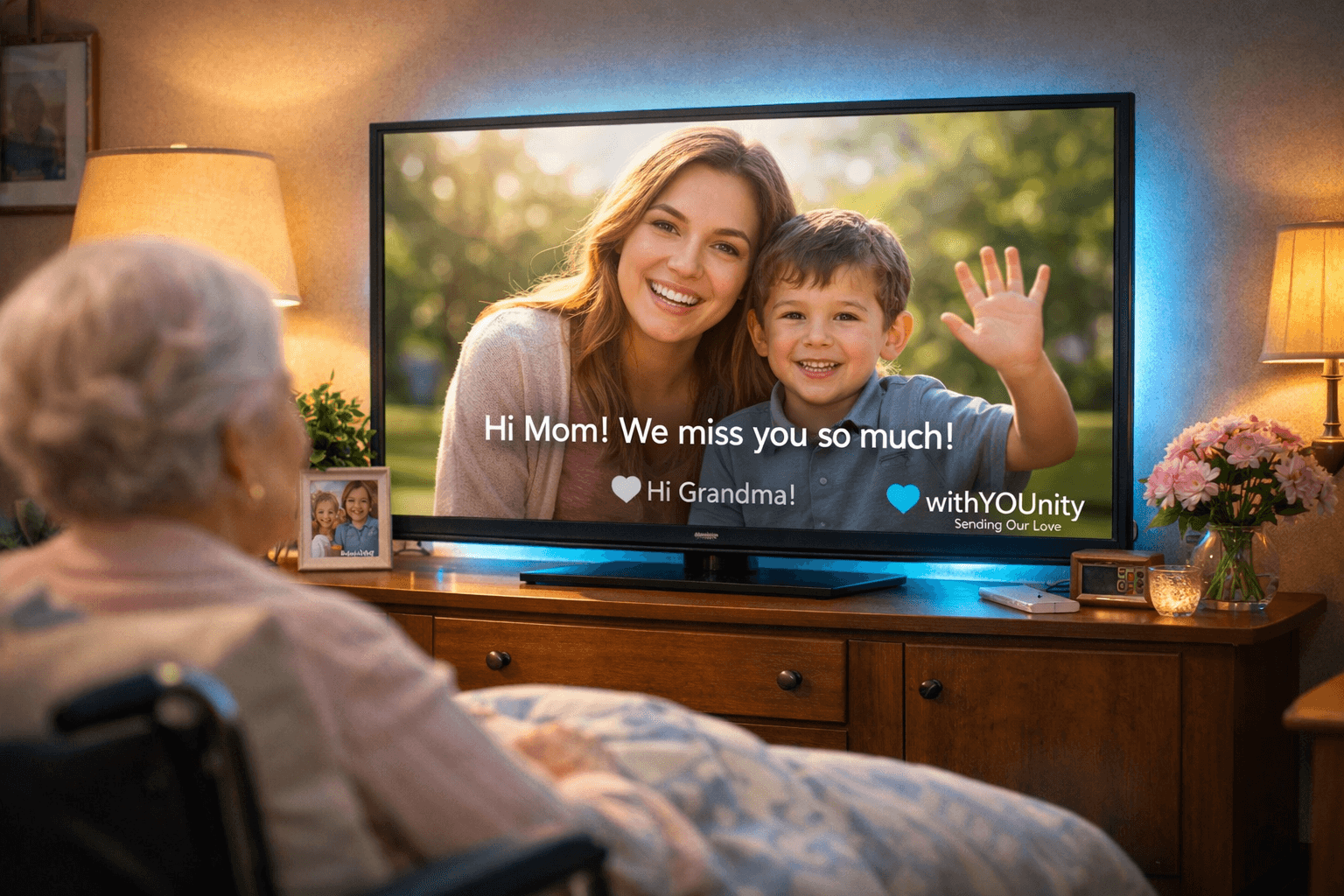
Send personal video and voice messages to an older loved one, even when phones, apps, and video calls are no longer easy for them to use. withYOUnity brings familiar faces and voices into their day on the supported screen that fits their setup, without asking them to learn new technology.
Message from SarahRecorded Tuesday, 7:42 PM
3 new family messages for Mom
- Step 1
Family records
Tuesday, 7:42 PM: Sarah records a short message for Mom.
- Step 2
Added for Mom
The message waits with the others, ready when she is.
- Step 3
Playback starts
Later, a caretaker, caregiver, staff member, or family member presses play.
- Step 4
Mom watches
Familiar faces and voices, on the supported screen that fits her setup.
The family uses the technology. Your loved one does not have to.
The people you love should not have to learn another device to feel close.
What families are often asked to do
- Hand someone a new tablet or app
- Hope they remember a password or menu
- Schedule a live call at exactly the right moment
What withYOUnity is built to do
- Use the supported screen and setup that works for that loved one
- Move setup and navigation to the family and caretaker side
- Let recorded family messages be ready whenever someone can help start playback
How it works
A simple message can become a meaningful moment.
A caretaker or family lead sets things up
They create their account and the loved one’s page, set up viewing access with a PIN or password, and share a contribution link with family and friends.
Family and friends send messages
Short personal video or voice messages, recorded from wherever they are, whenever it suits them.
withYOUnity gathers them
Familiar faces and voices are collected together for the loved one.
Playback is ready on their screen
On the supported screen that fits their setup. A caretaker, caregiver, staff member, or family member can help start playback when needed.
Your loved one simply watches
They receive the messages without being responsible for navigating the technology.
Available today on
Choose the screen that fits your loved one's setup. Not sure which is right? We can help.
Amazon Fire TV
Messages play on the TV they already watch. Family or a caregiver can start playback.
Get it on Amazon(opens in a new tab)iPhone & iPad
Messages play on a tablet or phone. Family or a caregiver handles setup and playback.
Download on the App Store(opens in a new tab)
I played her all the unseen videos. She was laughing and talking to the grandkids in the videos. She doesn’t understand it’s not interactive. It made me cry to see her so happy. Her smile is priceless when she sees her grandchildren and hears their voices.
Real families, using withYOUnity today
- Loved ones connected
- 48
- Caretakers participating
- 28
- Messages sent
- 247
- Celebrations shared
- 11
Live platform activity, refreshed daily.
For communities
A more human way to help family show up.
withYOUnity gives communities a way to make family presence part of the resident experience, especially for residents who cannot reliably use phones, apps, passwords, menus, or live video calls independently.
- For residents
- Familiar faces and voices can become part of the day.
- For families
- A way to contribute from wherever they are.
- For teams
- A caretaker, caregiver, or staff member can help start playback when needed on the supported screen for that setup.
Questions families and communities ask
What is withYOUnity?
withYOUnity gives families a simple way to send personal video and voice messages to someone they love, so familiar faces, voices, and moments can remain part of their day even when family cannot be there in person.
What devices does it work on?
withYOUnity is available today on Amazon Fire TV and through our iOS app for iPhone and iPad. Availability and setup can vary by device and environment.
How does a family get started?
A caretaker or family lead creates an account and the loved one’s page, sets up access, and can share a contribution link so family and friends can send messages. The loved one is not expected to manage the setup.
What does my loved one need to do?
Very little. withYOUnity is designed so the family or caretaker handles the technology. A family member, caregiver, or staff member can help start playback when needed, allowing the loved one to focus on seeing and hearing familiar people.
Is it private?
Loved ones’ pages are private family experiences, not public profiles. Access and contribution are controlled through account access and shared invite links.
Can multiple family members send messages?
Yes. Family and friends can participate through the loved one’s family invitation link, helping more familiar people remain part of the experience.
Can withYOUnity work for someone living with memory loss?
withYOUnity has been used by families of loved ones experiencing memory loss. It is designed to reduce the technology burden placed on the loved one.
Can caregivers or staff help?
Yes. When needed, a family member, caregiver, or staff member can help start playback. The exact workflow can vary by device and setting.
Can a senior-living or care community use withYOUnity?
Yes. Communities can request a conversation with our team to discuss the best supported setup, deployment approach, and pricing for their environment.
What if I do not know what device or setup is right?
Contact us and we will help identify the best currently supported option for the loved one and setting.
Still have questions? Visit Support to find your loved one's messages, get help, or reach our team.
Ready to bring more familiar faces into the day?
Already connected? Find your loved one’s messages
Connection is care.